
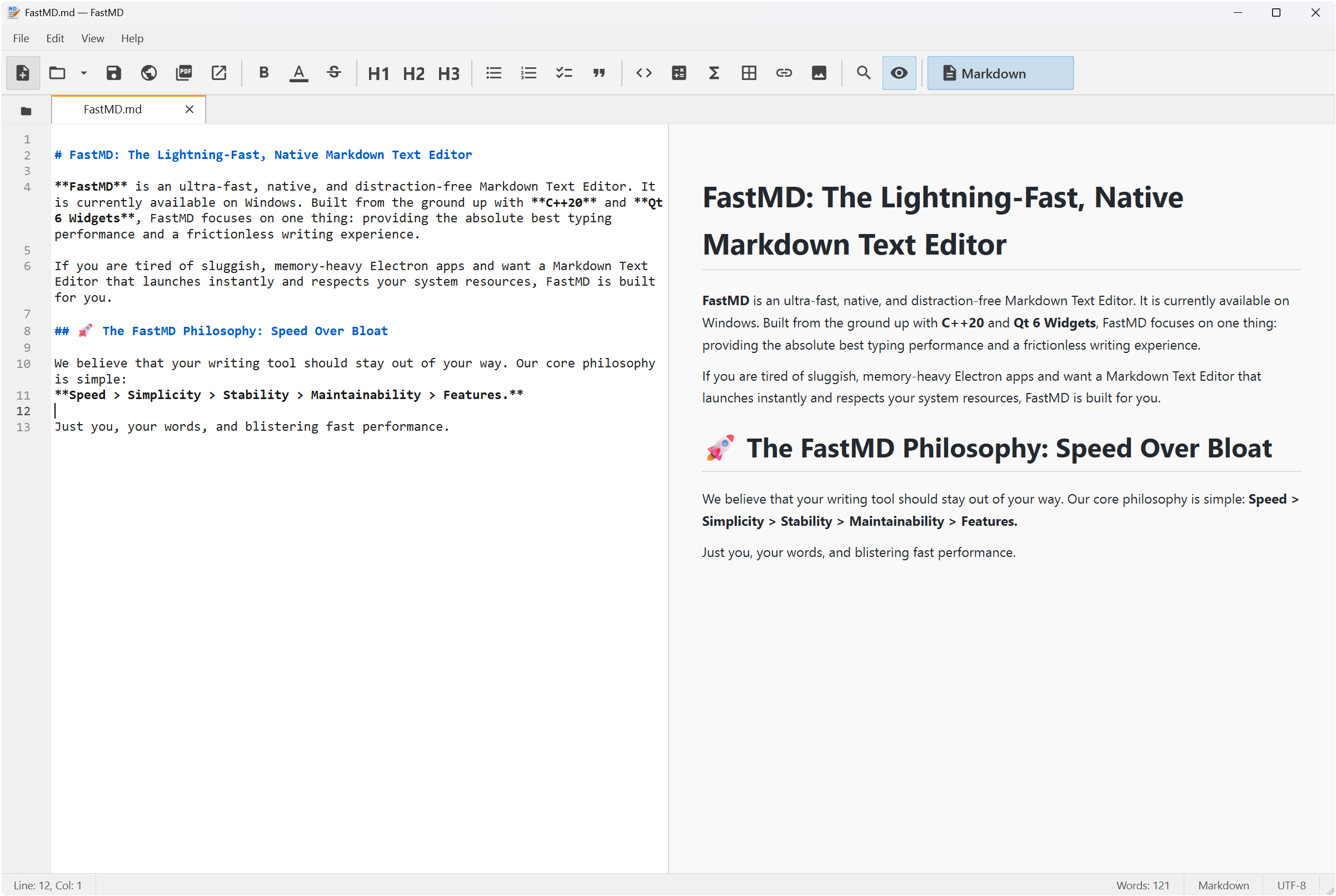
Fast Markdown and Text Editor.
Notepad Speed, Pro Markdown Features.
Packed with 1-click math & chemistry toolbars, interactive mind maps, smart preview sync, and seamless printing or PDF/Word exports.

All-in-One Markdown & Writing Toolkit
Everything you need in a single lightweight desktop editor. Scan below to find any feature instantly.
Math & Science
Diagrams & Mind Maps
Preview & Navigation
Editing & Formatting
Rich Elements & Extras
Export, Viewers & Files
Why Choose FastMD?
Built for writers, students, researchers, and developers who need blistering speed, powerful scientific notation, mouse-free productivity, and distraction-free writing.
Instant Startup & Zero Lag
Launches in under 0.5 seconds with a tiny memory footprint (~250 MB). Native C++20 engine guarantees zero typing latency or stutter, even on 50,000+ line documents.
1-Click Math & Chemistry Toolbars
No need to memorize complex LaTeX syntax! Insert KaTeX math equations (matrices, integrals, Greek symbols) and mhchem chemical formulas (\ce{H2O}, reactions) with 1-click visual toolbar previews.
Command Palette & Synonym Search (F1)
Press F1 to search any command by name or smart synonym (e.g. typing pdf, wrap, h1, or table). Execute any menu action instantly without touching the mouse.
Line-Level Bi-Directional Sync
Never lose your place. Double-click any rendered line, heading, or callout in the live preview to jump directly to its source line in the editor. Preview checkboxes update source text interactively.
Mode-Aware Printing & Page Setup
High-fidelity printing (Ctrl+P) that adapts to active mode (Markdown vs Code), customizable paper size/margins (Page Setup), page break controls (Ctrl+Enter), and PDF exports with clickable heading bookmarks.
Mind Maps & 100% Offline Security
Press F10 for interactive mind maps with node-to-source jump. 100% offline with zero cloud connections, zero telemetry, no user account required, no popups, and no subscription fees.
By The Numbers
See how a native C++ and Qt 6 desktop application stacks up against typical Electron-based editors.
| Performance Metric | Typical Electron Editor | FastMD (C++ / Qt) | Efficiency Difference |
|---|---|---|---|
| Base Download Size | 100 MB – 150 MB | ~1.5 MB | ~100x smaller executable |
| Bundled browser engine | Yes (Chromium per app) | None (shared OS WebView2) | Nothing extra shipped |
| Average Idle RAM Usage | 500 MB – 1000 MB | ~250 MB (incl. shared preview) | ~2–4x lighter memory footprint |
| Cold Startup (window visible) | 2.0s – 4.0s | ~0.4–0.5s | ~5–8x faster launch speed |
| Cloud Connections & Telemetry | Dozens of background requests | None (100% Offline) | Zero background data transfer |